Interval Trainer
Open App
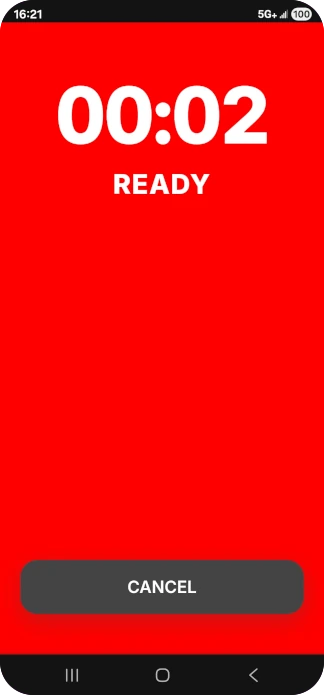
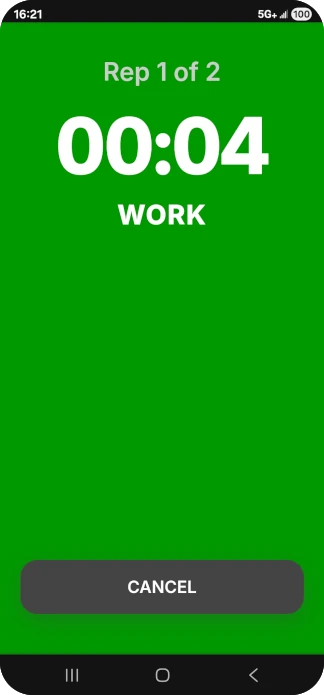
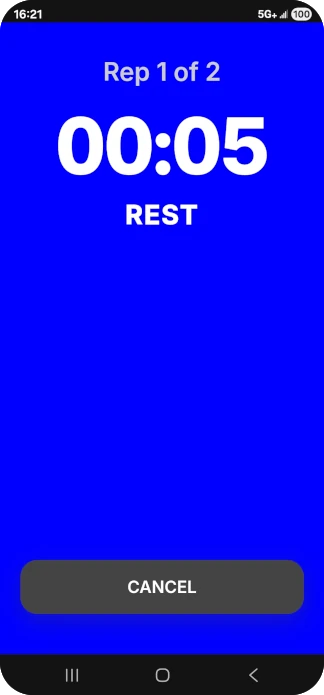
Focus on the workout. Not the screen.
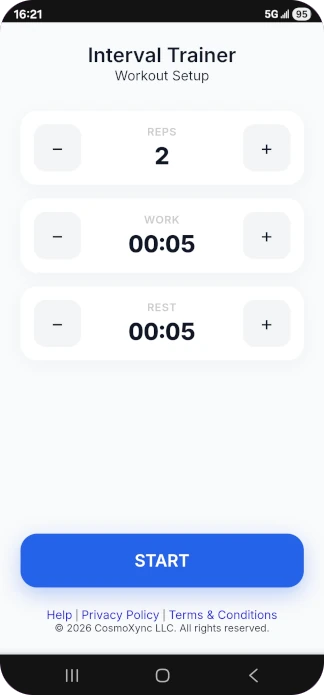
A beautifully minimalist, high-contrast interval timer. No mandatory accounts, no bloated menus. Just open and go.
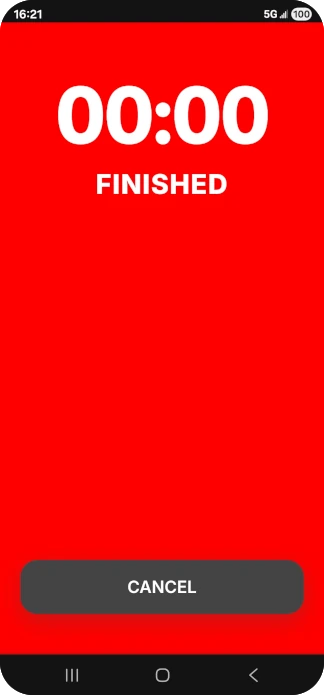
Zero Distraction
Designed with giant, high-contrast touch targets. Easily hit the active timer or pause your workout without breaking a sweat or losing focus.
Adaptive Input Flow
Set your Reps, Work, and Rest times in seconds. Our smart wrap-around logic means less tapping and faster setup for your sets.
Native App Feel
Add Interval Trainer directly to your home screen. It runs flawlessly offline as a PWA, giving you a full-screen experience without App Store downloads.
Start free. Upgrade when you're ready.
Core
$0 / forever
- Unlimited Interval Timers
- Wrap-around setup logic
- High-visibility active display
- Works offline (PWA)
One-Time Payment
Pro
$2.99 / lifetime
- Everything in Core
- Save custom presets
- Customizable themes
- Optional encouragement
- Support an independent developer